A professional headshot can be the first real roadblock between deciding to run and launching your campaign website. Without one, it’s hard to know where to start; and the longer it sits on the to-do list, the longer your site stays dark (and donations stay out of reach).
Your photo is usually the first thing voters see. It appears on your website, your yard signs, your social profiles, and any press coverage you get. A blurry, poorly lit, or overly casual photo signals to voters that you’re not quite ready for the job, even if you absolutely are.
Luckily, you don’t need to rent a studio or spend thousands on a professional photographer. All you need is your smartphone and about an hour. You can do this completely solo with a tripod, or with the help of a trusted friend or family member. We’ll show you how to make either approach work.
1. Find your light
The best light you have access to is outdoors on an overcast day. An overcast sky diffuses sunlight evenly across your face with no harsh shadows or squinting. If it’s sunny, find open shade: stand in the shadow of a building or tree where you can still see open sky in front of you.
If you’re taking photos indoors, stand directly facing a large window. The bigger and brighter, the better. You’ll also want to avoid overhead fluorescent lighting, mixed light sources (such as one lamp and one window), and direct flash.
2. Choose your background
A clean, simple background is professional and keeps the focus on your face. Solid-colored walls work great; so does brick or subtle architectural detail, blurred greenery, or a meaningful local landmark. If you’re running for city council, a photo in front of city hall reads as confident and purposeful. If you’re running for school board, consider your local school (when not in session).
Avoid cluttered rooms, busy interiors, bright windows directly behind you, and anything that inadvertently appears in the frame; cars, garbage cans, random street signage.
3. Pick your outfit
Dress the way you’d dress to meet an important constituent: put-together, but not stiff. You want voters to see you as both capable and approachable.
Solid colors or simple patterns photograph better than busy prints, which tend to compete with your face. Navy blue, forest green, burgundy, and jewel tones photograph well across a wide range of complexions.
Whatever you choose, wear what you actually wear. If you’re always in a blazer, wear a blazer. If you’re a jeans-and-button-down person, own it! Voters can tell when someone is dressed up as a version of themselves they don’t recognize.
4. Set up the shot
Once you’ve got your light, your background, and your outfit sorted, there are a few technical details that will make a real difference. But, first: don’t use a selfie. The front-facing camera is lower quality and the angle distorts your face. You want your rear-facing camera pointed at you, which means relying on either a tripod or a volunteer.
Option 1: Going solo with a tripod
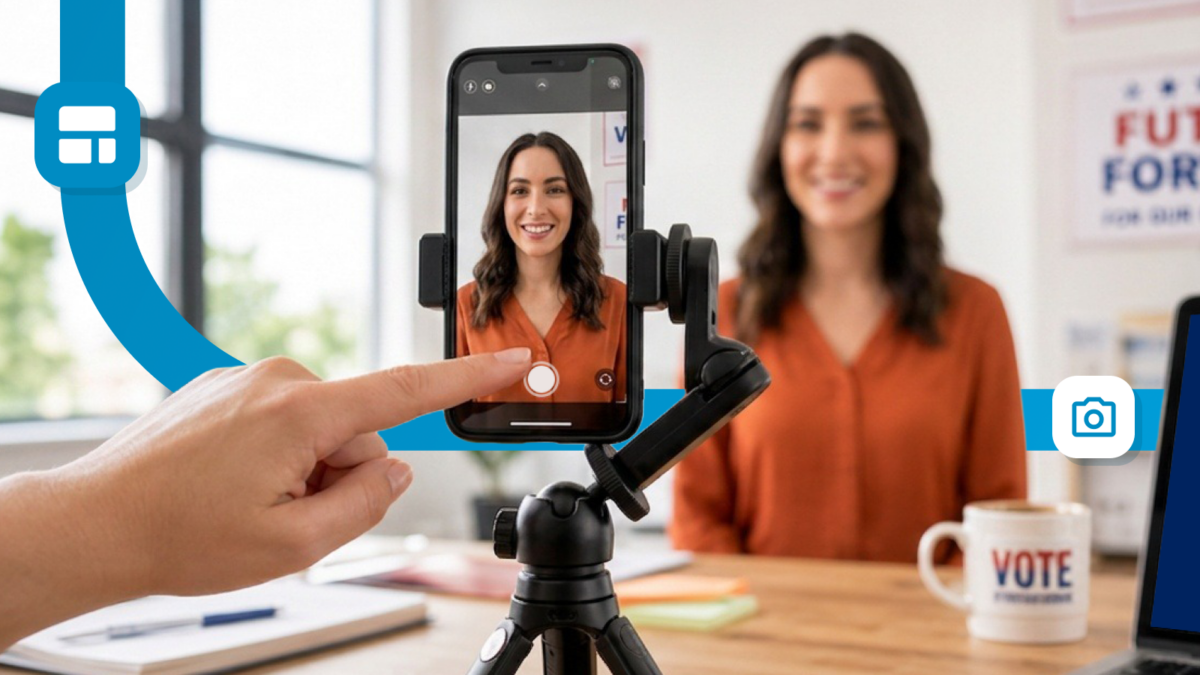
A basic phone tripod costs $15-25 and can be found at most major electronics retailers. If you decide to go this route, set it up so that your smartphone camera lens is at eye level or just slightly above; never below. Position yourself about 4 to 6 feet away, which gives you the right framing for a chest-up shot without distorting your face.
You can use your smartphone’s camera timer or an app like Lens Buddy to trigger the shutter remotely. Lens Buddy lets you use hand gestures to fire the camera, so you’re not frozen mid-pose waiting for a countdown.
Option 2: Having someone else hold the phone
If a friend, family member, or volunteer is helping, someone calm and patient is more valuable than someone with photography experience. Hand them your phone and walk them through what you’re looking for.
The same rules apply: 4-6 feet away, camera at eye level or just slightly above, never below. If they’re shorter than you, have them stand on a step or ask you to sit. Aim for a frame from the chest up with a little breathing room above your head. If they’re standing too close, your face will look distorted.
Regardless, enable Portrait mode before you start. On most modern smartphones, it creates a natural background blur that keeps attention on your face and makes the whole photo look more intentional.
5. Practice a warm, authentic smile
The most common feedback on candidate headshots is that they look stiff. Someone told the candidate to smile and they did, mechanically, for the camera. Here’s how to avoid that.
If you’re doing this alone, warm up before you start. Take a few practice rounds, shake out your shoulders between takes, and think about something that makes you genuinely happy: your family, a beloved pet, your neighbors, the reason you decided to run, something funny that happened last week. It sounds cheesy, but it really does show up in photos.
If a friend or family member is helping, have a real conversation before and while they’re taking pictures. Talk about why you decided to run and what it would feel like to win your race. Candid shots taken mid-conversation are often better than posed ones.
Either way, take more shots than you think you need; at least 20 to 30 frames across different expressions and slight position changes. The one you end up using might be the 23rd shot.
6. Edit (lightly!)
Once you’ve got a photo you like, basic editing can help. Cropping, straightening, as well as adjusting brightness, contrast, and sharpness is fair game.
Avoid heavy filters, skin smoothing, and anything that changes how you actually look. Voters will meet you in person, so aim for the best, most authentic version of you, not an idealized one.
Free tools that work well include the native Photos app on iPhone or Android, Lightroom Mobile (the free version is more than enough), or Snapseed.
Put your campaign headshot to work with ActBlue Website Builder
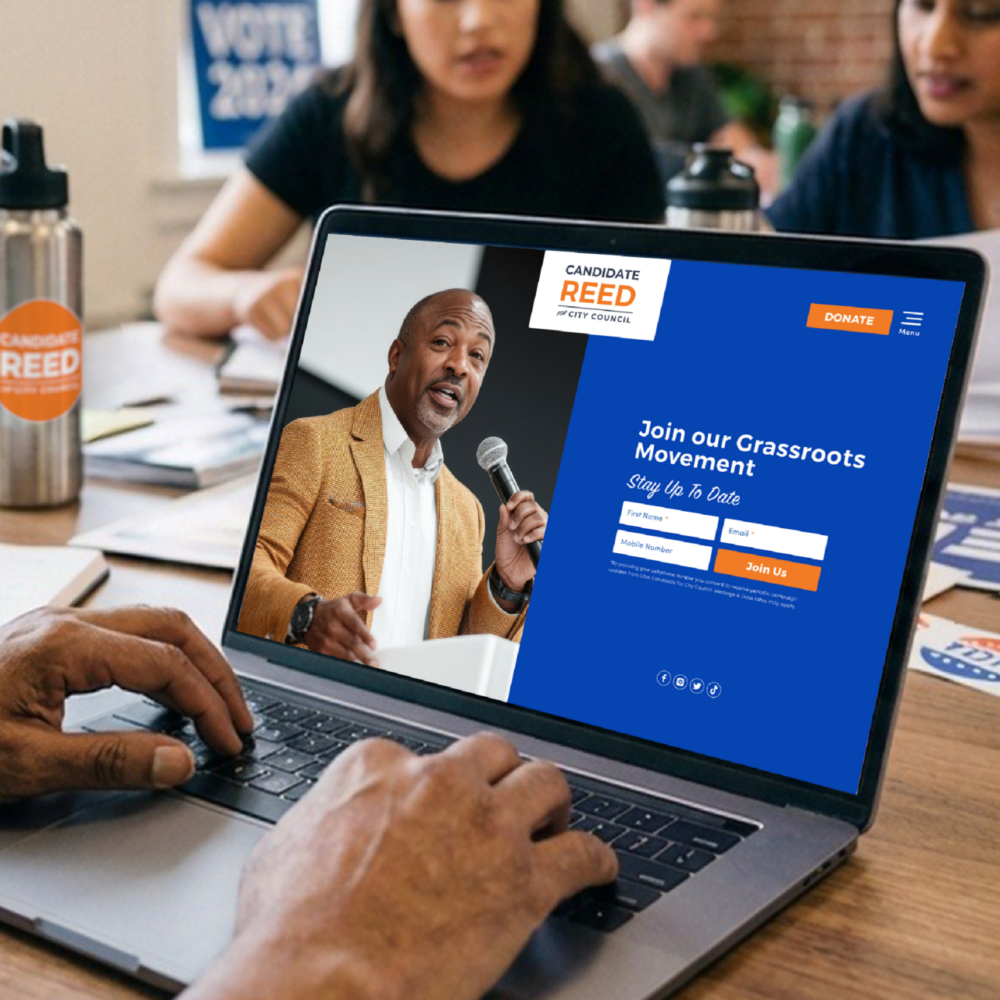
A professional-looking campaign website is where your headshot, your story, and your call to action all come together. ActBlue Website Builder makes it easy to build one in hours; no starting from scratch, no tech background needed. Upload your photos, write your bio, and start accepting donations on day one.
Get started today for just $40/month.
Your campaign website, live by tonight.
Upload your logo, set your colors, and launch a campaign-ready website in just a few clicks. No developer, no learning curve, no waiting.
- Quick, easy setup
- Mobile and search-optimized
- Ready-to-go templates